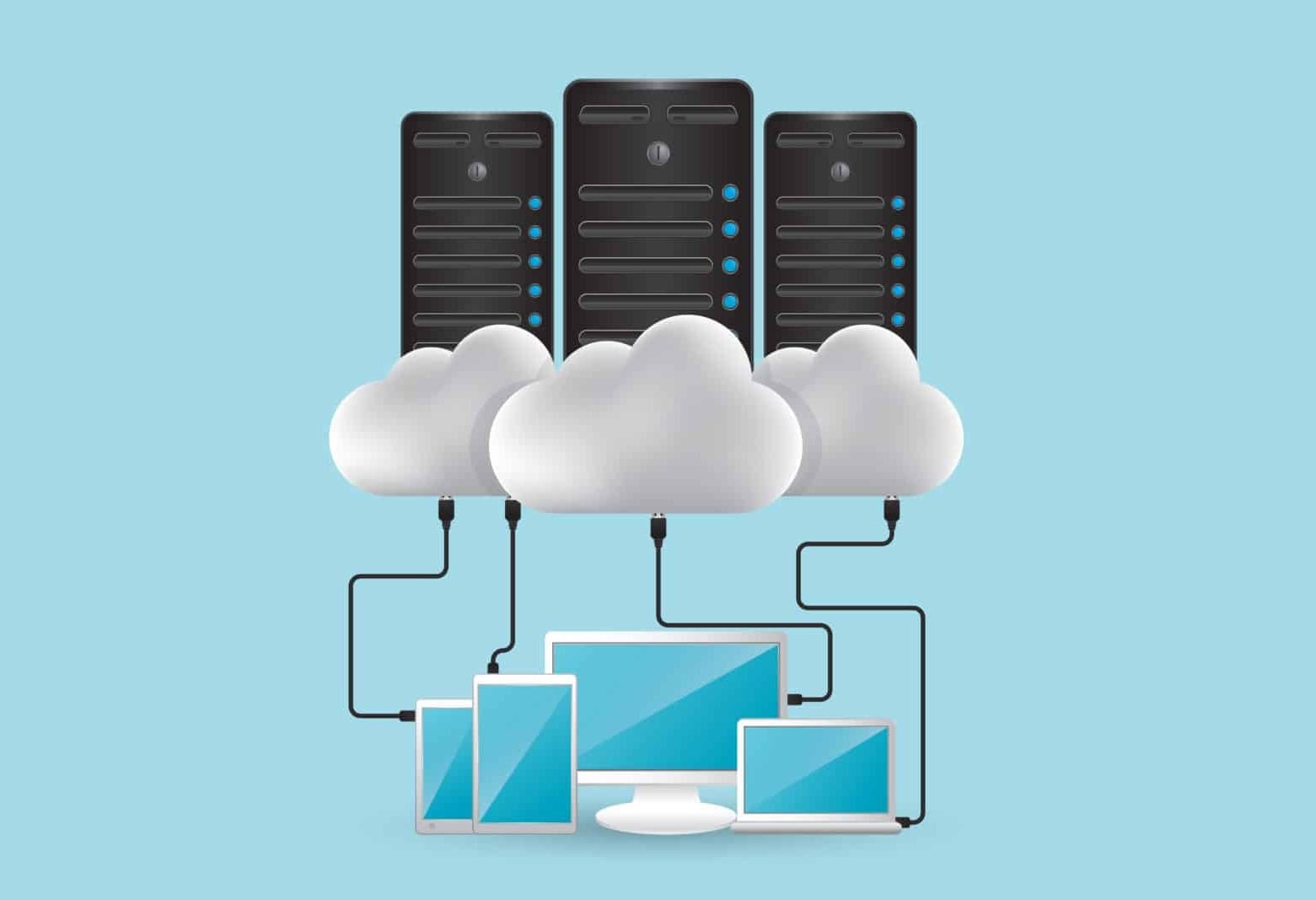
It is a common misconception that services like Microsoft OneDrive or Google Drive provide full protection against data loss. Many people assume that if their network is hit by ransomware, they can simply log into their cloud account and restore an earlier version of their files.
Unfortunately, that is no longer a safe assumption.
Modern ransomware is designed to take advantage of cloud syncing. When malicious software infects a device that is connected to a cloud drive, the encrypted files are often synchronised automatically, overwriting clean versions in the cloud. Some ransomware strains can even target version history or recycle bin contents, removing your ability to roll back changes before you realise an attack has occurred.
The damage doesn’t stay confined to a single laptop or computer. Cloud storage is built to synchronise changes instantly, not to isolate them. As soon as files are locked or corrupted on a compromised device, those changes are uploaded straight into your cloud storage, replacing healthy data.
For real resilience, you need more than syncing. You need a separate, secure backup system that is isolated from your day‑to‑day network. This could mean offline backups or backups that are tightly locked down and inaccessible to compromised accounts.
A proper backup should be an isolated copy of your data that cannot be modified, encrypted, or deleted if your network or cloud credentials are attacked. Cloud storage is useful, but it should never be your only line of defence.
If you are relying solely on cloud storage for your backup, now is the time to review your approach. TechMan can help design a backup strategy that matches your risk level and personal or business needs. Get in touch today.
Need help with your IT? TechMan provides friendly, expert IT support for homes and small businesses across the Kāpiti Coast, Wellington and Levin.
Get in Touch →