
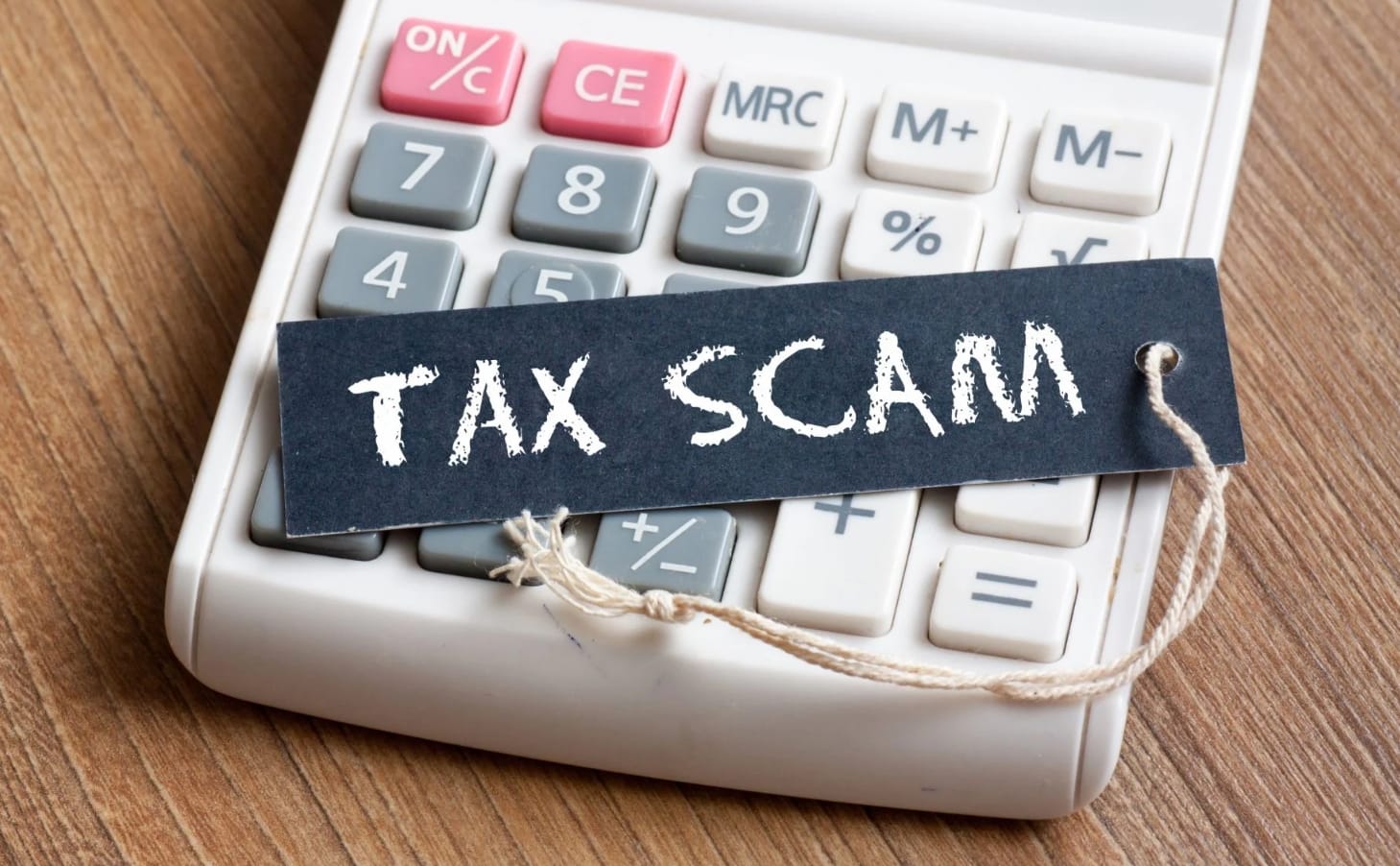
Tax scams are becoming increasingly sophisticated in New Zealand, with scammers frequently pretending to be the Inland Revenue (IRD) to steal money, personal information, or myIR login details. These scams often arrive by email, text message, phone call, or social media.
What Are Tax Scams?
A tax scam is any fraudulent attempt to impersonate the Inland Revenue and trick people into sharing sensitive information or making payments. Common examples include:
- Fake tax refund messages that claim you're owed money.
- Texts or emails asking you to log in to a fake myIR website.
- Phone calls demanding immediate payment of alleged tax debts.
- Messages threatening arrest, legal action, or account suspension if you do not act immediately.
The goal is usually to obtain your personal information, banking details, passwords, or money.
How to Spot a Tax Scam
While tax scams can look convincing, there are several warning signs:
Urgent threats or pressure
Scammers often try to create panic by claiming you must act immediately or face serious consequences. The Inland Revenue does not threaten arrest or pressure people into making instant decisions.
Requests for unusual payments
Be cautious if you're asked to pay using gift cards, cryptocurrency, or money transfer services. These are common scam tactics and not methods of payment that the Inland Revenue would ask for. You can find the IRD ways of paying here.
Links in emails or texts
The IRD advises that it does not include links in its emails and does not send links in text messages. Instead, genuine communications direct you to log in to myIR through the official website myir.govt.nz.
Suspicious contact details
Check the sender's email address, phone number, and website URL carefully. Emails from the IRD will come from ird.govt.nz and text messages sent to New Zealand mobiles will come from numbers 5678 or 4478. Official Inland Revenue websites use domains ird.govt.nz (main website) and myir.govt.nz (myIR Secure Online Services). You can find more information about IRD contact emails and phone numbers, websites, and social media on the IRD website here.
Poor spelling and unusual language
Many scam messages contain spelling mistakes, awkward wording, or generic greetings such as "Dear Citizen" rather than your name. Emails or texts from the Inland Revenue will always use clear language.
What to Do If You Think You've Been Scammed
If you suspect you've interacted with a tax scam:
- Stop all contact with the scammer immediately.
- Do not click any further links or make additional payments.
- Contact your bank straight away if you've provided banking information or sent money. They may be able to help protect your accounts.
- Change your passwords, especially for myIR, email, and banking accounts.
- Report the scam to Inland Revenue by forwarding suspicious emails, texts, or scam details to phishing@ird.govt.nz.
- Report text scams by forwarding the message to 7726, a free service operated by the Department of Internal Affairs.
- If you've lost money, consider reporting the incident to New Zealand Police via 105.
Scammers rely on fear, urgency, and trust in government organisations. The best defence is to slow down, verify any unexpected communication, and access your tax information directly through the official IRD website or your myIR account. If something feels suspicious, don't engage. Instead, check with Inland Revenue before taking any action.
Need help with your IT? TechMan provides friendly, expert IT support for homes and small businesses across the Kāpiti Coast, Wellington and Levin.
Get in Touch →