
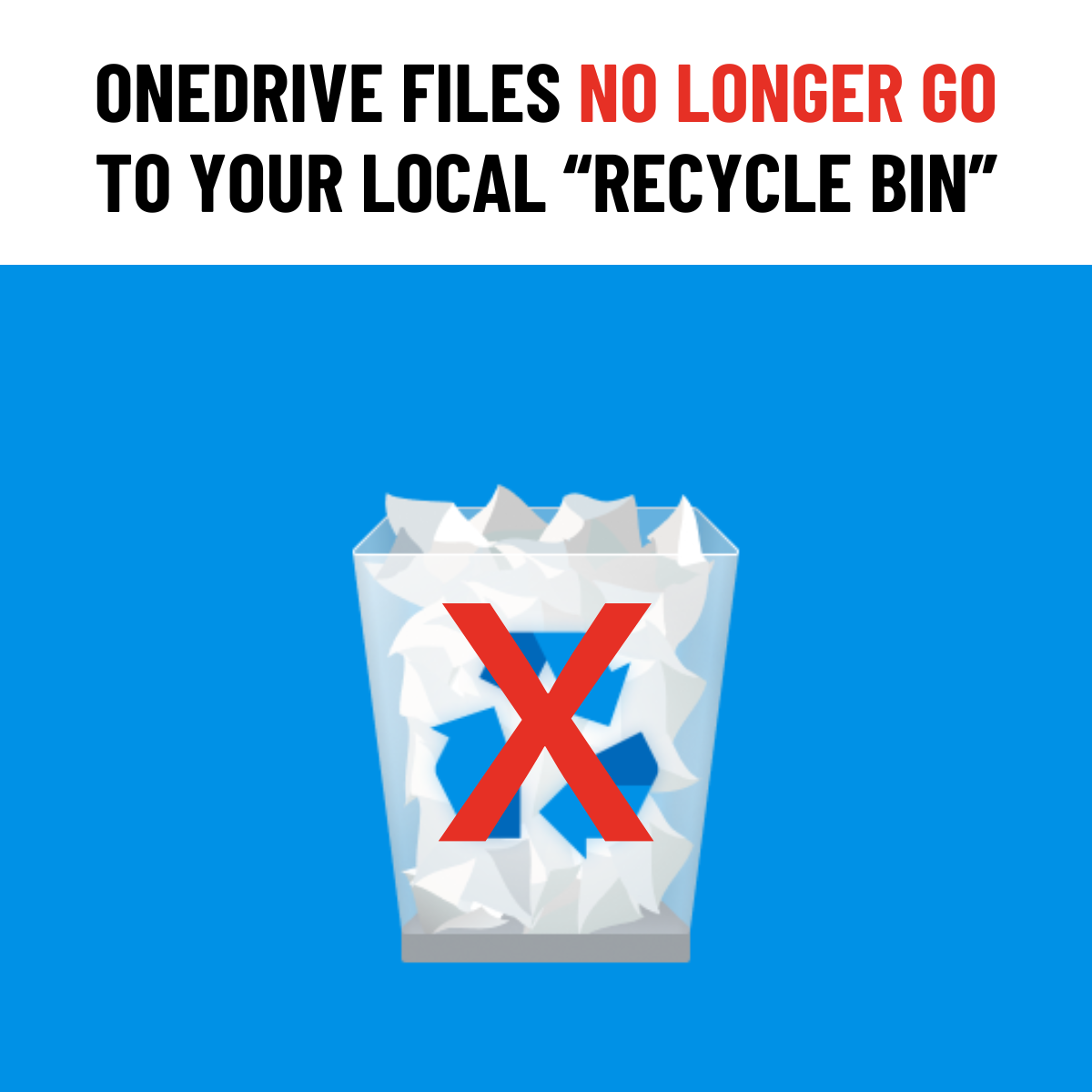
If you've recently deleted a file from OneDrive or SharePoint and checked your computer's Recycle Bin (Windows) or Trash (Mac), you may be surprised to find it's not there.
Starting in May 2026, files deleted from OneDrive or SharePoint in the cloud are no longer sent to your local Recycle Bin or Trash. Instead, they're removed directly from your device and can only be recovered from the web-based OneDrive or SharePoint Recycle Bin.
How to Restore a Deleted File
- Go to onedrive.com or your SharePoint site.
- Select Recycle Bin from the left-hand menu.
- Find your file, right-click it, and choose Restore.
How Long Do You Have?
Files typically remain in the first-stage Recycle Bin for 30 days.
After that, they move to the second-stage Recycle Bin (which many users don't even know exists) and can remain there for up to 93 additional days, depending on your organisation's retention settings.
After approximately 123 days, the file is permanently deleted and cannot be recovered.
So, if a file disappears from OneDrive or SharePoint, don't waste time checking your local Recycle Bin. Head straight to the web-based Recycle Bin for the best chance of recovery.
Need help with your IT? TechMan provides friendly, expert IT support for homes and small businesses across the Kāpiti Coast, Wellington and Levin.
Get in Touch →