
Most people focus on creating strong passwords and enabling multi-factor authentication (MFA). That's important, but attackers often take an easier route: they reset the password instead.
Every "Forgot Password?" link is a potential way into your account.
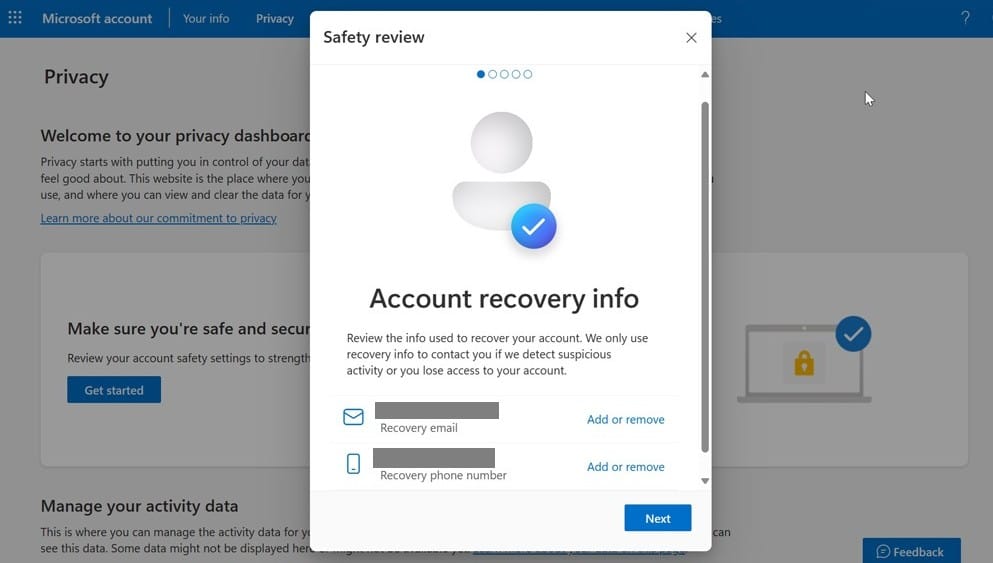
Password resets typically rely on a recovery email address, a phone number, or security questions. If an attacker can access those recovery options, they may be able to take over the account without ever knowing your password.
The risk is that much of this information can be surprisingly easy to find. Personal details often appear on social media, and data exposed in old breaches can provide enough clues to answer security questions or target recovery accounts.
Here's what to check:
Secure your recovery email and phone number
Make sure the recovery details on important accounts are current and protected with strong passwords and MFA. Your email account is especially critical because it can often be used to reset access to other services.
Treat security questions like passwords
If a website still uses security questions, don't feel obligated to provide real answers. Use unique, made-up responses and store them in your password manager alongside the account credentials.
Review recovery settings regularly
Check the recovery details attached to key business accounts from time to time, especially after staff changes. An old phone number or email address left on an account can create a hidden security risk.
Include recovery options in security audits
When reviewing account security, don't stop at passwords and MFA. Verify that all recovery methods are accurate, secure, and controlled by the right people.
The password reset process is one of the most overlooked pathways for account compromise. Spending ten minutes checking your recovery settings today can help prevent a major security headache tomorrow.
Need help with your IT? TechMan provides friendly, expert IT support for homes and small businesses across the Kāpiti Coast, Wellington and Levin.
Get in Touch →