
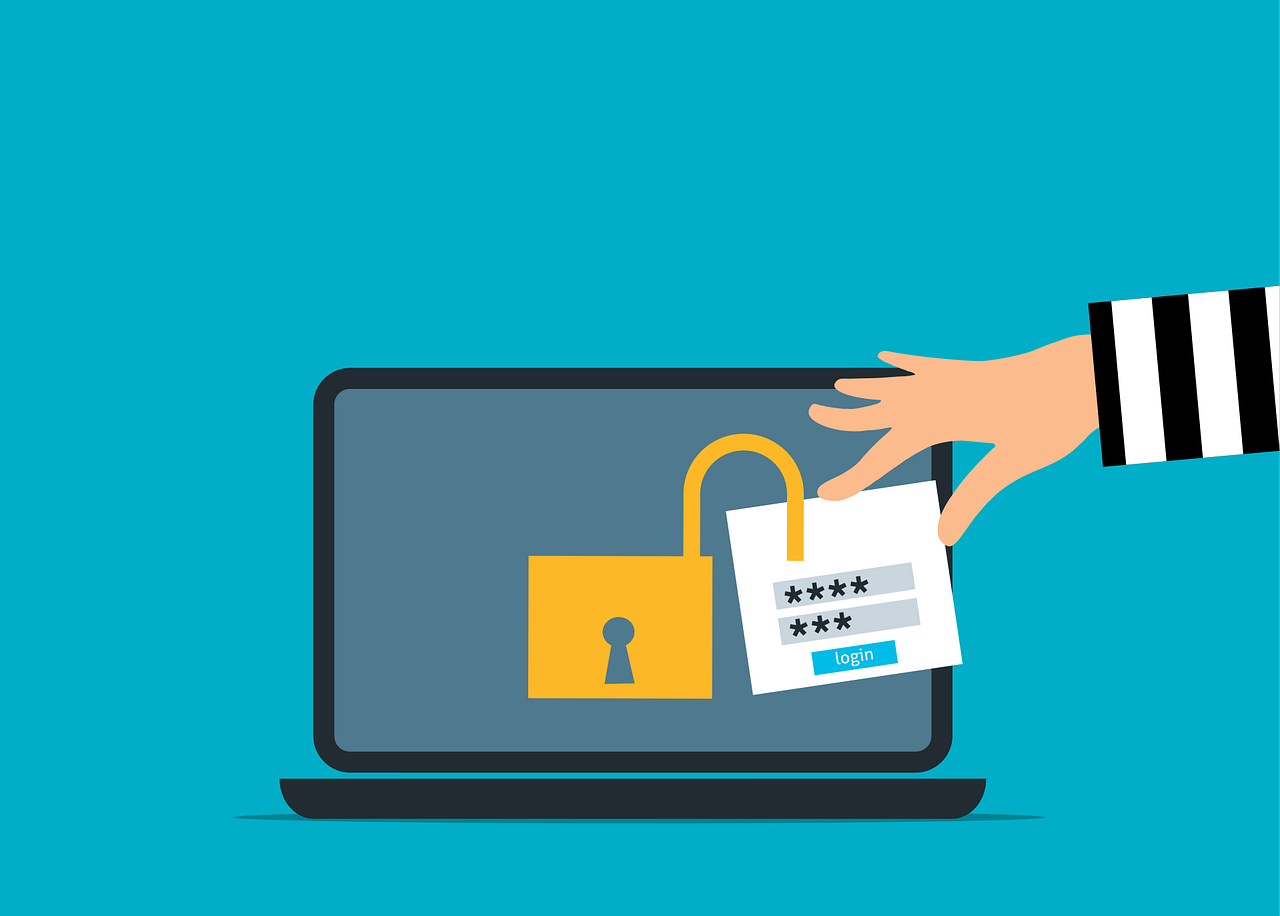
Multi-Factor Authentication (MFA) is often treated as the final boss of account security. Turn it on and phishing dies. Credentials become useless. Attackers are locked out.
But this is not always the case. Despite near-universal MFA adoption across cloud platforms, high‑profile breaches keep occurring, often inside organisations with strong passwords, hardware keys, and “best practice” configurations. The uncomfortable reality is that MFA protects the login, but not what happens after it.
Enter the session cookie hijack.
This type of attack doesn’t crack passwords or trick users into approving rogue prompts. Instead, it steals the trust granted after MFA succeeds and allows attackers to walk straight past defences you assumed were impenetrable.
What Is a Session Cookie?
When you successfully log into a website or cloud service, after entering your password and approving MFA, the system creates a session. To avoid re-authenticating you on every click, the server stores a small piece of data in your browser called a session cookie.
That cookie effectively says: “This user already proved who they are. Trust them until the session expires.”
As long as the cookie is valid, the service doesn’t ask for your password or MFA again. MFA has done its job and protected the authentication process, but it does not automatically protect the authenticated state. And that is the crack attackers exploit.
How Session Cookie Hijacking Actually Happens
Many organisations still picture an account takeover as someone guessing a password or tricking a user into approving an MFA prompt. But session cookie hijacking works differently.
The attacker’s goal is to steal proof (a session cookie) that you are already logged in and then reuse that proof, often without triggering another sign‑in event at all.
Google’s threat intelligence says, “Stealing this session token is the equivalent of stealing the authenticated session.” Once the token is stolen, “an adversary would no longer need to perform the MFA challenge.” In other words, the attacker isn’t trying to authenticate instead of you, they are trying to ride along after you’ve authenticated.
Common techniques include:
1. Adversary in the Middle (AiTM) Phishing
Adversary‑in‑the‑Middle (AiTM) phishing is a modern phishing technique designed specifically to defeat MFA by placing the attacker in between the user and the real login service, in real time.
An AiTM attack utilises a proxy server that places itself between the victim’s browser and the legitimate target service at the application layer. It needs some kind of malware to be placed and run on the victim’s computer.
You believe you are signing into a legitimate service. In reality, you are interacting with a lookalike page that sits between you and the real site. The attacker forwards your credentials in real time to the real service, so from your perspective the login process, including MFA, looks and works as normal. But from the attacker’s perspective, they just logged in as you.
Because the attacker is in the middle, they can capture both your credentials and the session cookie generated after MFA completes. This isn't a vulnerability in MFA. The attacker is capturing the session after the MFA has successfully completed its job.
One such campaign “attempted to target more than 10,000 organisations” since September 2021, which shows how scalable this approach has become.
2. Browser-in-the-Middle (BitM) Session Stealing
Browser‑in‑the‑Middle (BitM) session stealing is an attack technique where the attacker doesn’t steal your credentials or trick your browser, they replace your browser entirely.
Instead of intercepting traffic between you and a website (like AiTM), the attacker connects you to a transparent browser session they fully control, usually hosted on their infrastructure. You interact with it as if it were running locally, unaware that every click, token, and session cookie is exposed to the attacker by design.
In a BiTM attack you really did log in, you really did approve MFA, and the login was successful. The problem is where it happened. You authenticated inside the attacker’s browser, not yours, so the attacker gets the session by default. No stealing required.
From your perspective, everything looks normal. But from the attacker’s perspective, it’s as though you are “sitting in front of the attacker’s computer, using the attacker’s keyboard". For the attacker this means full session ownership.
3. Cookie theft from the endpoint
Not every session hijack starts with a fancy proxy. Sometimes the attacker simply steals session data from the device itself.
Session cookie hijacking can occur entirely at the endpoint when an attacker gains access to a user’s device and extracts authentication cookies directly from the browser or its memory. If the endpoint is compromised through malware, malicious browser extensions, or local access, those cookies can be copied and reused by the attacker on another system.
Because the session has already passed password and MFA checks, replaying the cookie allows the attacker to impersonate the user without triggering a new login. In this scenario, the weakness isn’t the authentication process itself, but the security of the device holding the session, making endpoint compromise one of the most direct and effective paths to session cookie hijacking.
Mitigations That Actually Help
The rise of session cookie hijacking forces a mindset shift. The question is no longer “Did they authenticate successfully?”, rather it is “Does this session still deserve trust?”. Authentication is an event, while security is a continuous process.
MFA still plays an essential role in security, but it is not the finish line. It blocks a huge amount of credential theft and makes basic account takeover harder. But session cookie hijacking is a reminder that attackers don’t always try to defeat the login step. Sometimes they reuse what happens after it.
Defending against session cookie hijacking requires layered and realistic controls.
- Tie sessions to devices - Make session cookies work only on the device that logged in.
- Shorten session timeouts - Limit how long a session stays valid to reduce attacker access.
- Continuously evaluate risk - Recheck sessions if location, device, or behavior changes.
- Secure the endpoint - Protect devices with patching, Endpoint Detection and Response (EDR), and restricted browser extensions.
- Protect cookies properly - Use secure, HTTP‑only cookies and avoid insecure storage.
- Watch what happens after login - Monitor for unusual actions like new MFA setups or mass data access.
- Revoke sessions fast - If compromise is suspected, kill active sessions immediately.
When these controls work together, MFA stops being a comforting checkbox and becomes what it should be: a strong baseline that is backed by protections around the session itself.
If you would like help strengthening your defences against session hijacking, get in touch with TechMan today. We are here to help.
Article used with permission from The Technology Press.
Need help with your IT? TechMan provides friendly, expert IT support for homes and small businesses across the Kāpiti Coast, Wellington and Levin.
Get in Touch →