
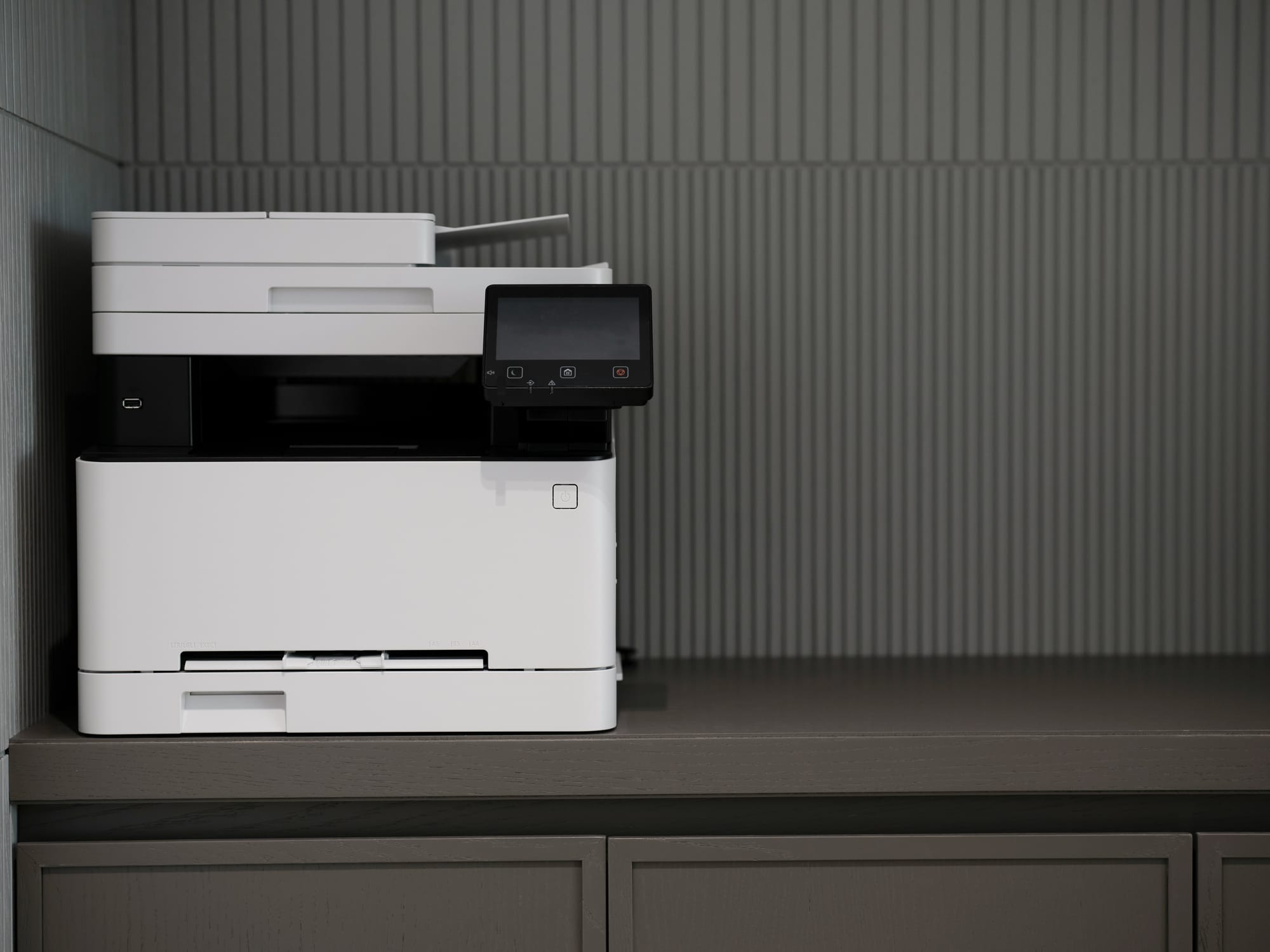
When businesses think about cybersecurity, they usually focus on laptops, servers, cloud services, and email security. But there's one device sitting quietly in the corner of nearly every office that often gets overlooked: the printer.
The reality is that your office printer may be the least secure device on your network.
Many businesses are still running printers with default administrator passwords, outdated firmware, and unsecured management interfaces. Even more concerning, modern multifunction printers often contain internal storage that may retain copies of scanned and printed documents.
For cybercriminals, printers are an attractive target because they are frequently ignored during routine security reviews. While businesses spend time securing computers and cloud systems, printers are often installed and forgotten.
Why Printers Are a Security Concern
Today's office printers are essentially computers. They have operating systems, web servers, network connections, and remote management tools.
If left unsecured, a printer can provide attackers with:
- Access to sensitive business documents
- A way into your wider network
- Information about your internal systems
- A device that can be used as a stepping stone to other business assets
Many organisations are surprised to learn that attackers often look for poorly secured printers before they target more heavily protected systems.
Two Security Settings to Change Today
1. Change the Default Passwords on Both Your Printer and Router
This is the single most important step you can take.
Many businesses never change the factory-default administrator passwords on their printers or internet routers. Unfortunately, these credentials are often publicly available online and are one of the first things attackers try.
Make sure you:
- Change the administrator password on your printer
- Change the administrator password on your router or firewall
- Use strong, unique passwords that are not shared with other systems
- Store them securely in a password manager
If an attacker gains access to either device, they may be able to view network settings, redirect traffic, or gain deeper access into your business systems.
2. Disable Unused Wireless and Guest Networks
Many printers and routers ship with wireless features enabled by default.
Some printers broadcast their own wireless network for direct printing, while routers may have guest networks that were enabled during setup and then forgotten about.
If you don't actively use these features, turn them off.
This helps:
- Reduce your attack surface
- Prevent unauthorised devices from connecting
- Simplify network management
- Remove unnecessary entry points into your environment
A good rule of thumb is simple: if a feature isn't being used, disable it.
Don't Let the Printer Be Your Weakest Link
Cybersecurity doesn't always require expensive tools or complex projects. Sometimes the biggest improvements come from fixing the basics.
Taking a few minutes to change the passwords on your printer and router, and disabling any unnecessary wireless or guest networks, can significantly reduce your risk.
After all, the easiest way to stop someone accessing your printer is to make sure it isn't still using the password it shipped with.
When was the last time you checked the security settings on your office printer?
Need help with your IT? TechMan provides friendly, expert IT support for homes and small businesses across the Kāpiti Coast, Wellington and Levin.
Get in Touch →