
Practical advice on cybersecurity, AI, and technology — written for NZ homes and small businesses.
Stop sharing passwords in chats and spreadsheets. Use a password manager to control access, improve security, and simplify offboarding.
Don't email sensitive files as attachments. Share secure links, set expiry dates, and add passwords to keep data protected and under your control.

Keep guests, smart devices, and business systems on separate networks. Network segmentation reduces cyber risk and limits attack spread.

Learn how to spot common NZ tax scams, recognise fake IRD messages, and take quick action to protect your money and personal information.
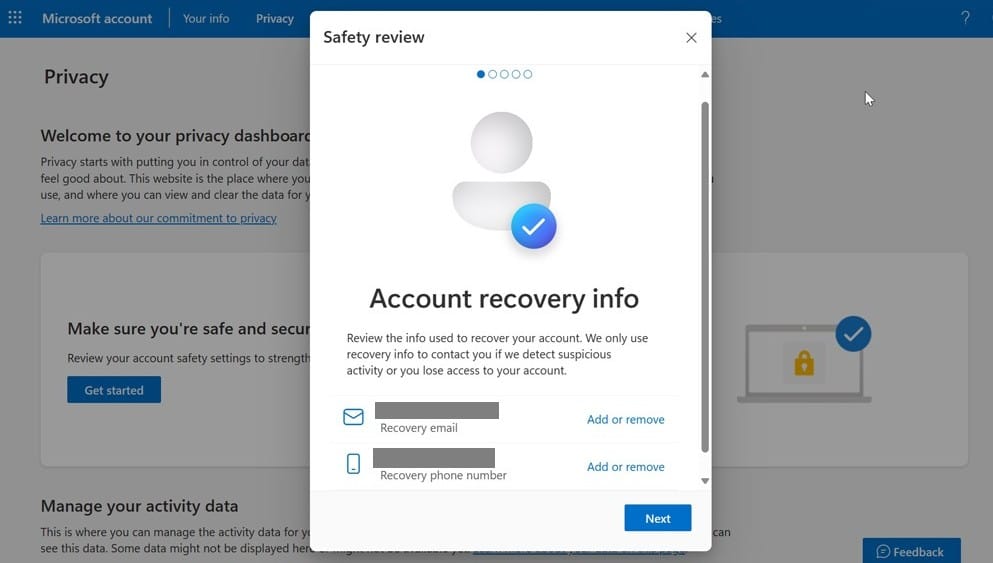
Attackers often target password resets, not passwords. Secure your recovery email, phone, and security questions to keep accounts safe.
AI search is changing customer behaviour. To stay visible, businesses need trustworthy content, strong profiles, and online authority.
Your phone may hold as much business data as your laptop. Secure it with locks, updates, trusted apps, and remote wipe protection.
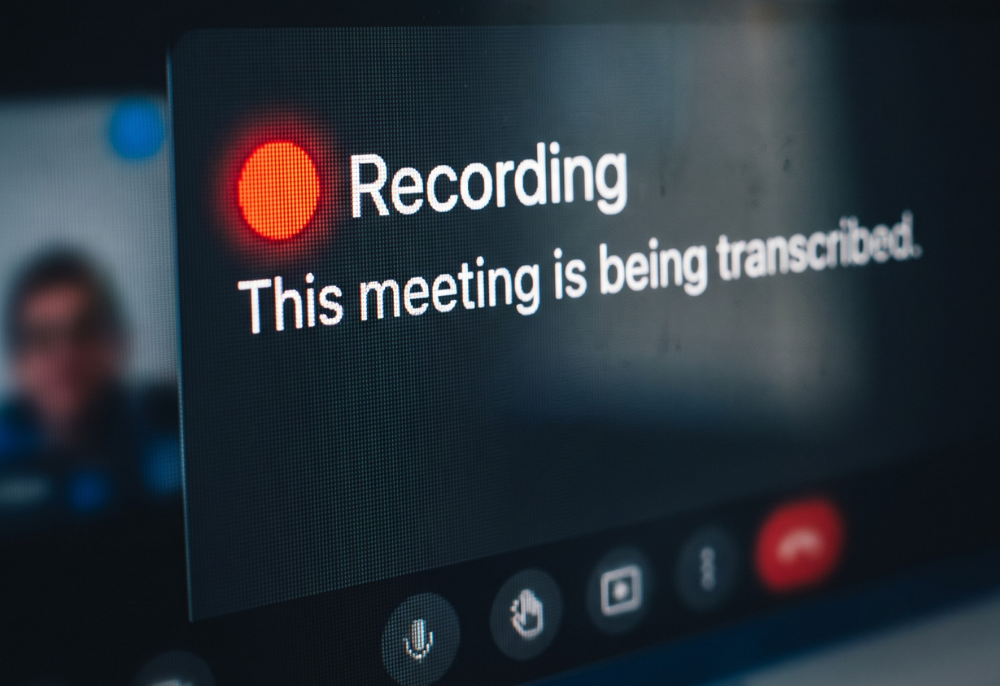
Know where your meeting recordings go. AI note-takers can boost productivity, but privacy, data storage, and consent matter.
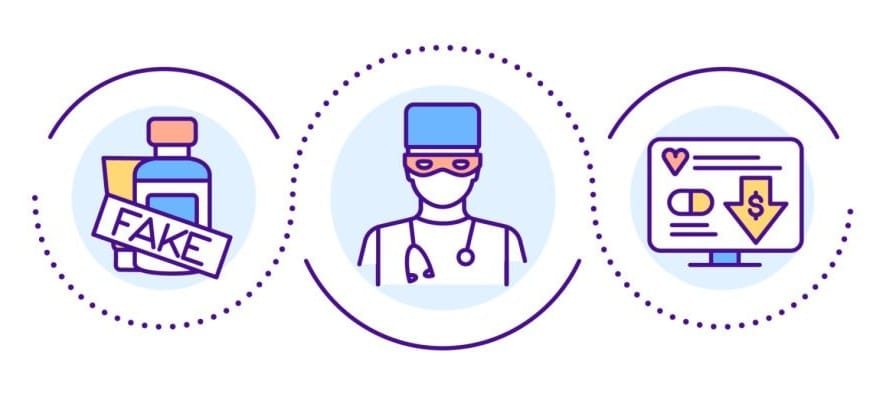
Don't be fooled by miracle cures, rapid weight-loss promises, or cheap online pharmacies. Protect your health and wallet; check before you buy.
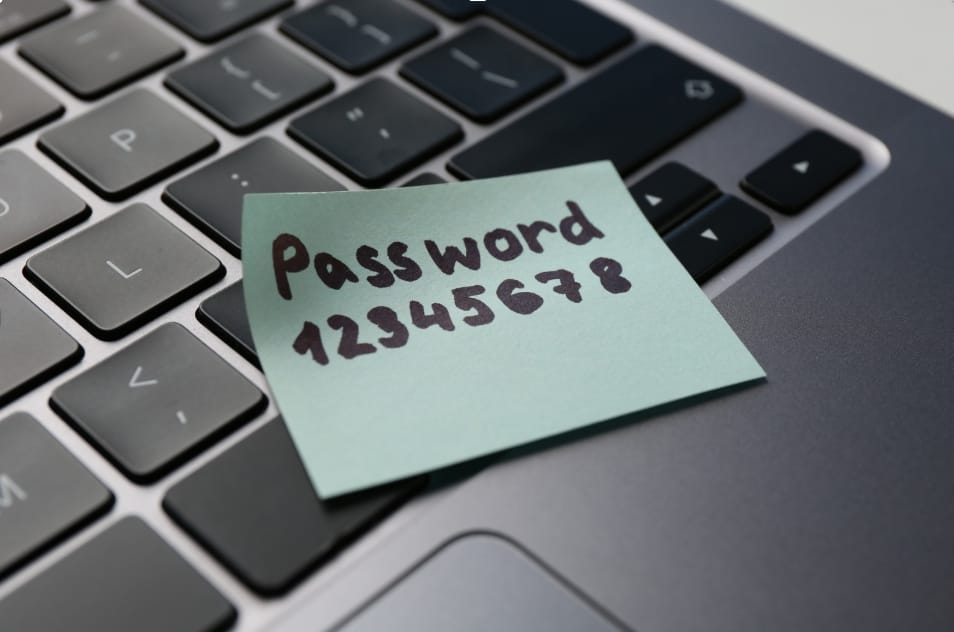
Modern password advice has changed: use long passphrases, drop mandatory rotation, block breached passwords, and enable MFA everywhere.
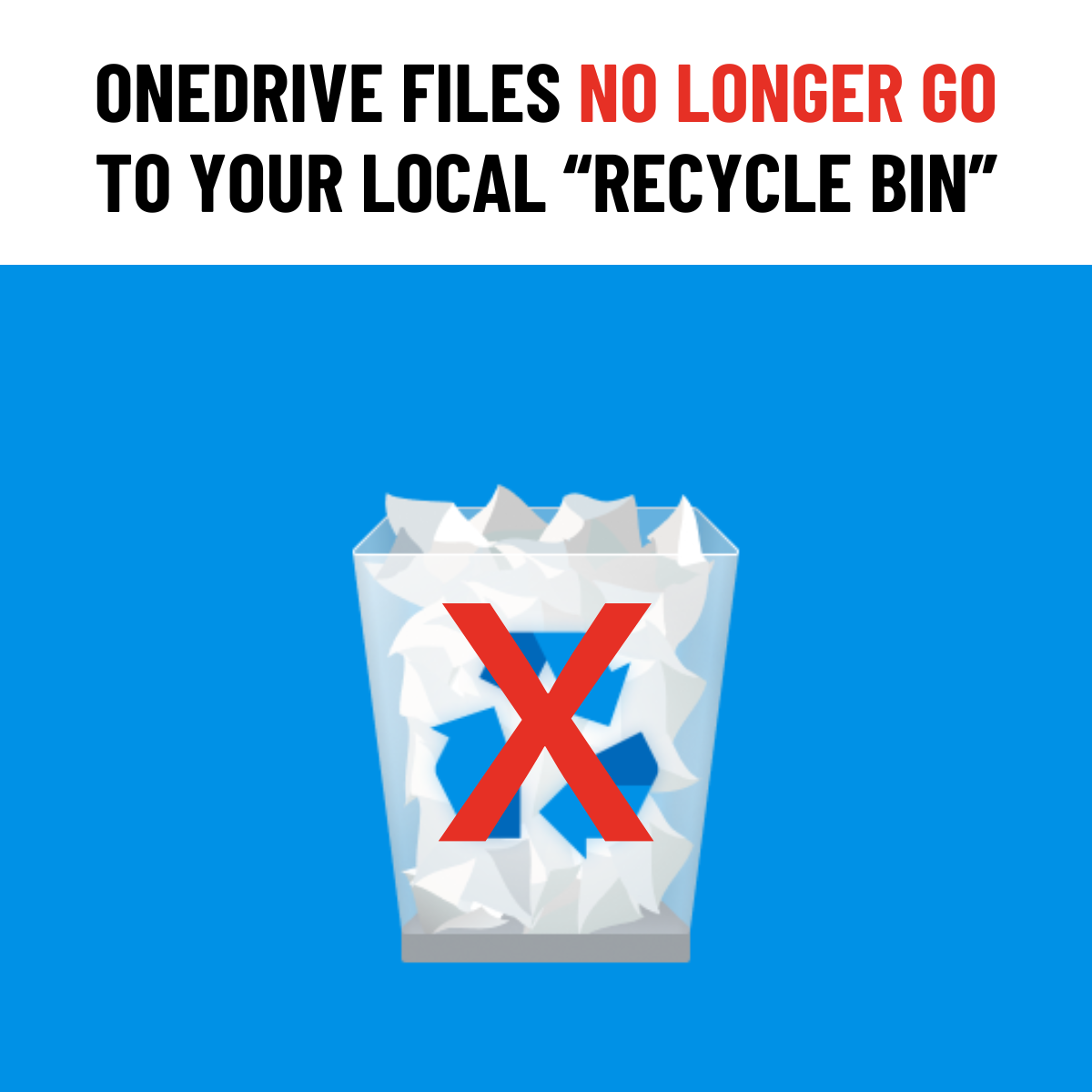
Deleted from OneDrive or SharePoint? Recovery now happens online, not from your local Recycle Bin.
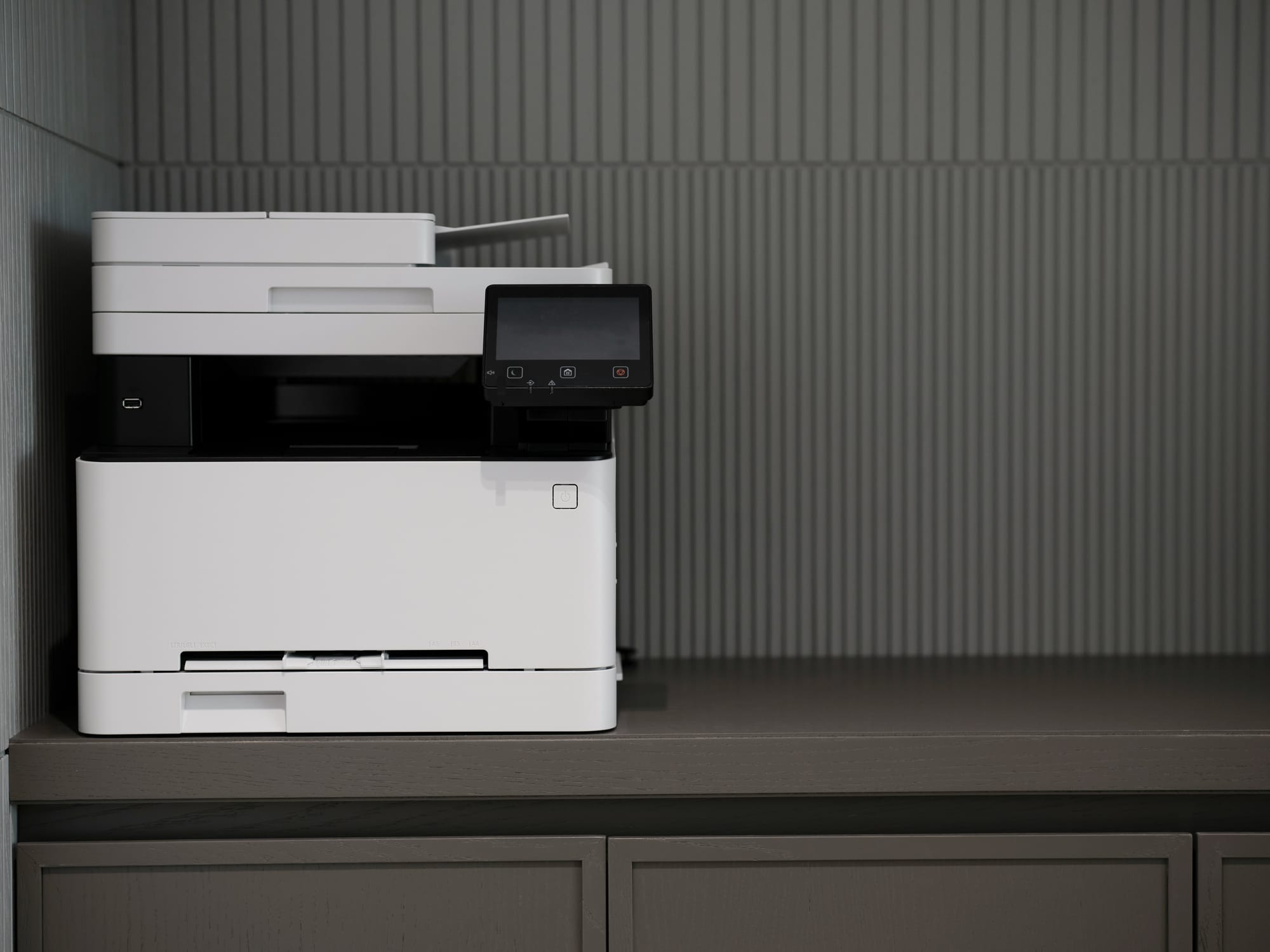
Is your office printer the weakest link in your network? Change default passwords, disable unused wireless access, and strengthen security today.