
Articles about from TechMan — your local Kāpiti Coast IT experts.
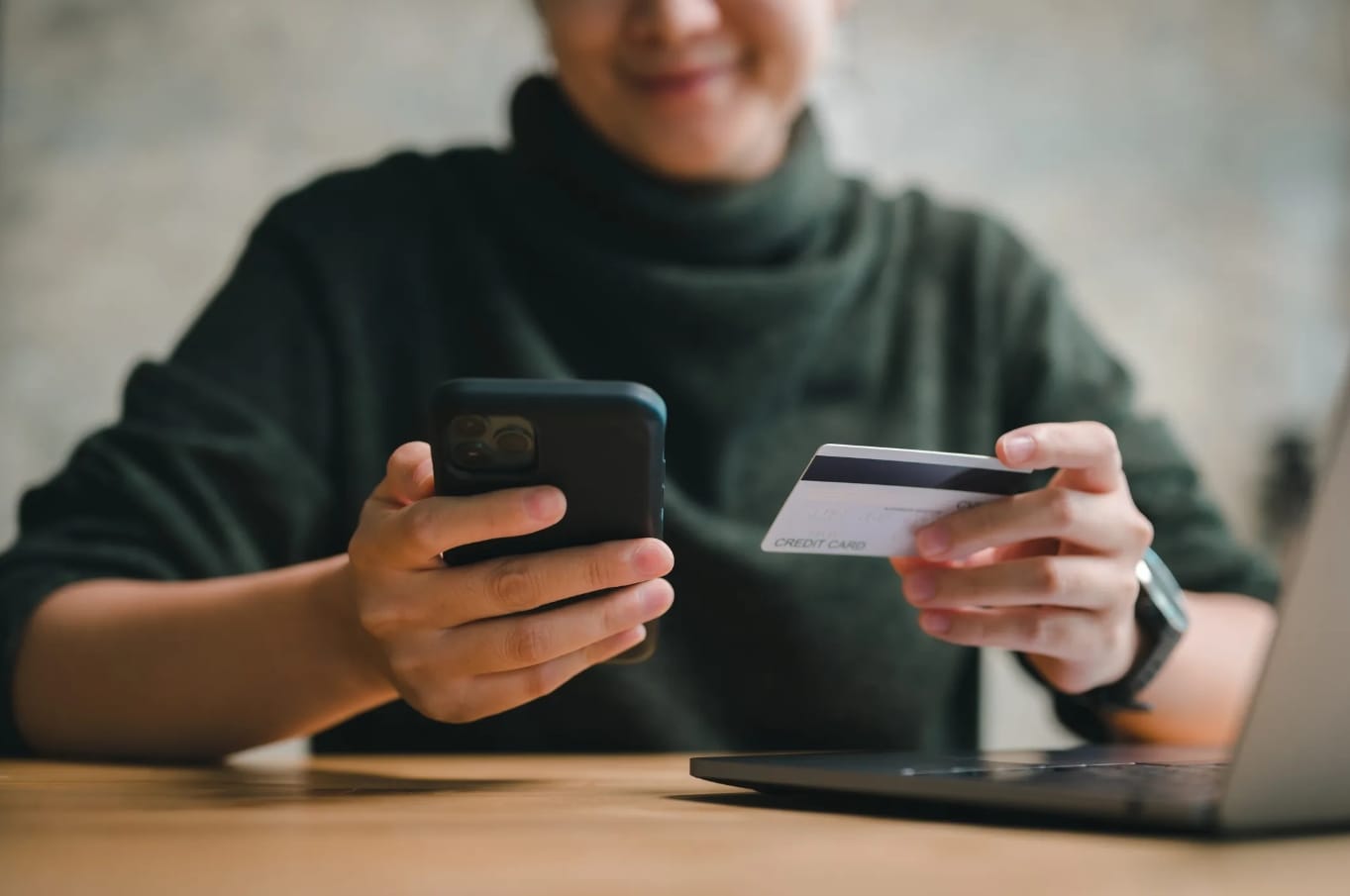
Think that online deal is a bargain? Learn how Kiwi shoppers can spot fake websites, avoid scams, and shop online safely and confidently.
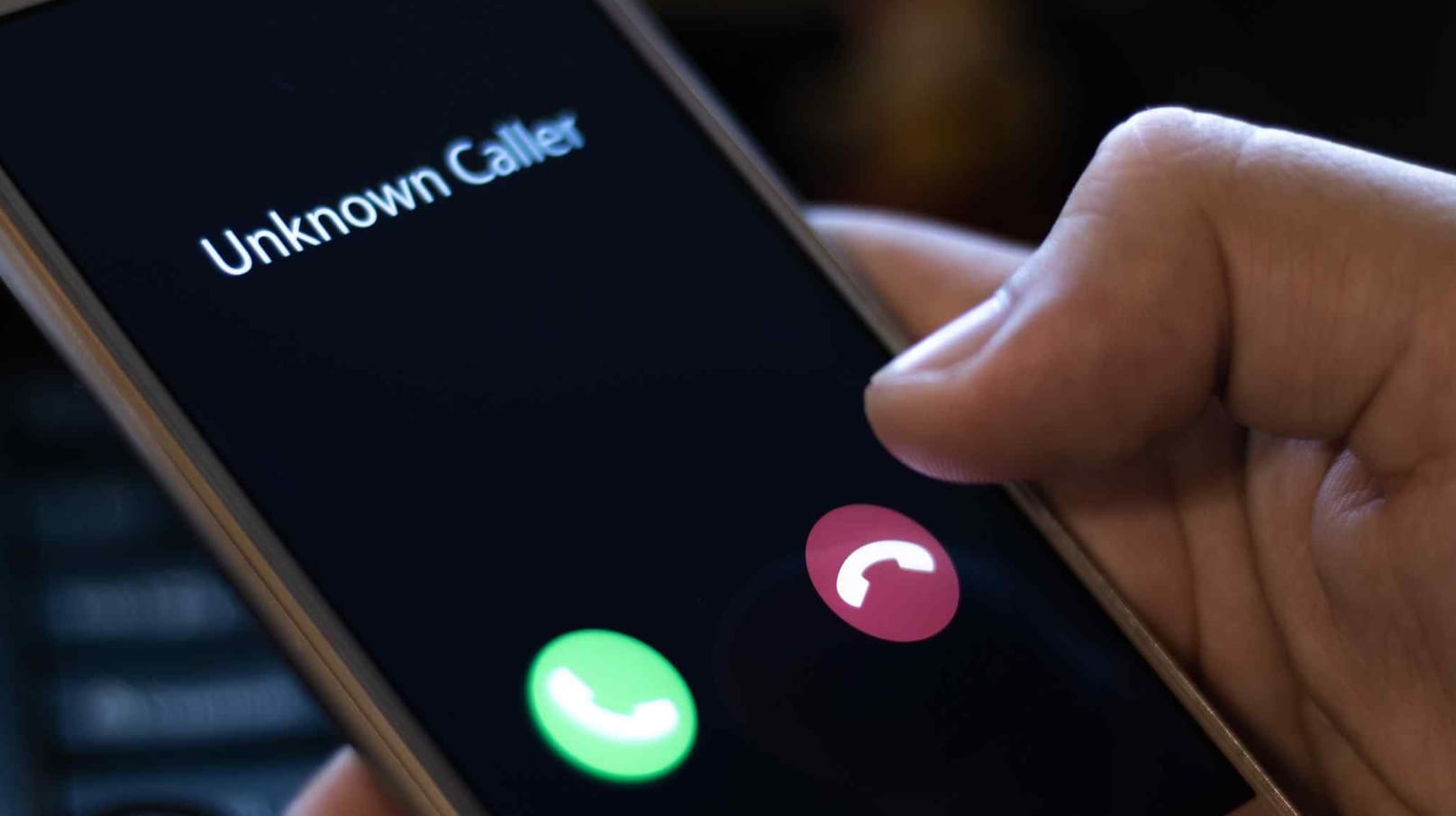
Could your loved one really be in trouble? Emergency scammers prey on emotions. Stop, verify, and protect your money and personal information.
Don't email sensitive files as attachments. Share secure links, set expiry dates, and add passwords to keep data protected and under your control.
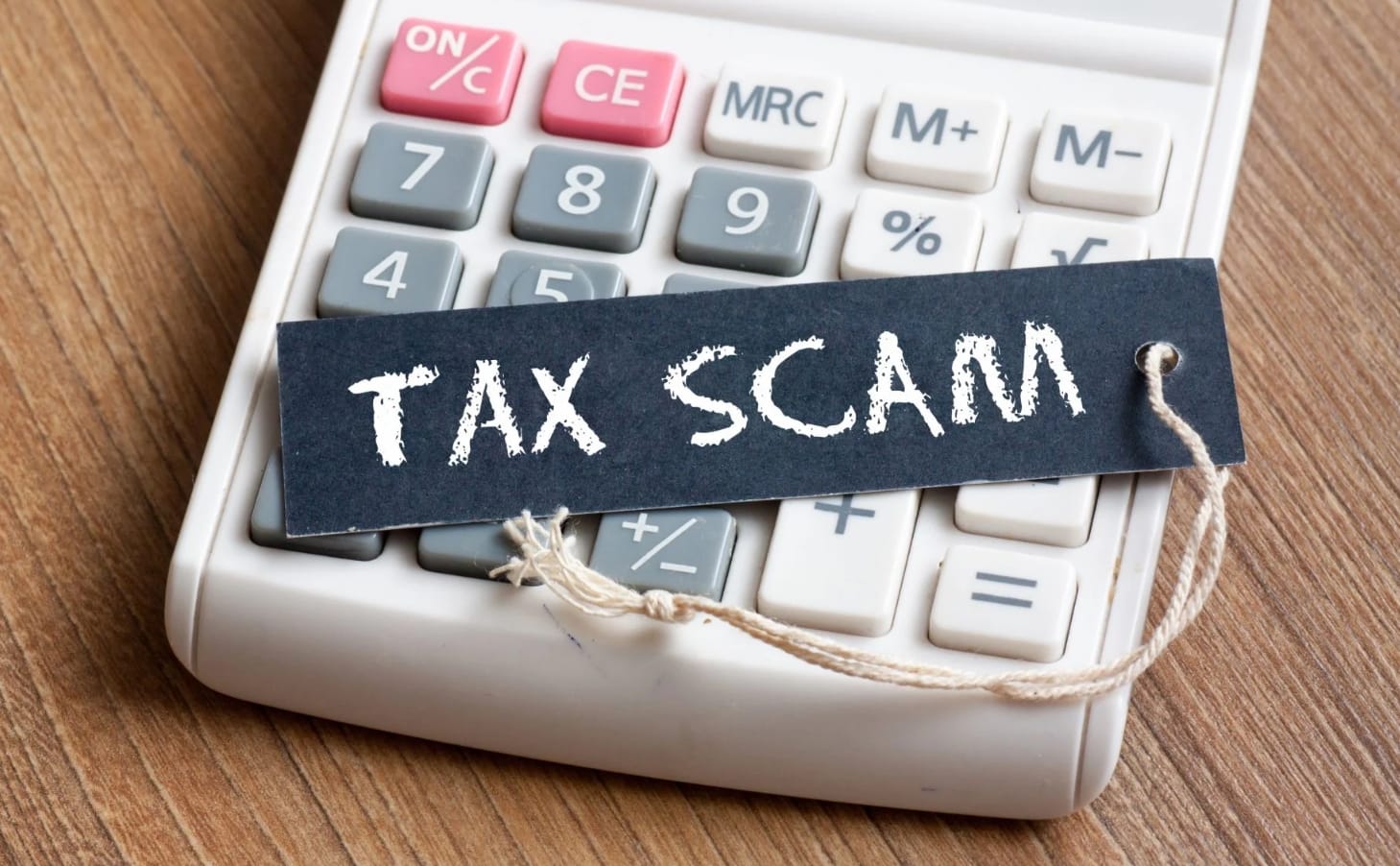
Learn how to spot common NZ tax scams, recognise fake IRD messages, and take quick action to protect your money and personal information.
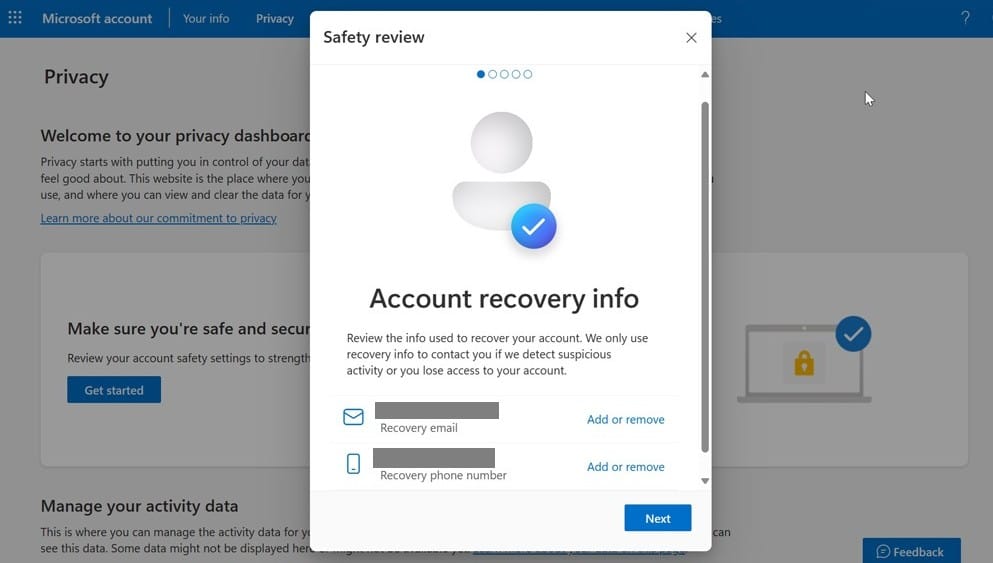
Attackers often target password resets, not passwords. Secure your recovery email, phone, and security questions to keep accounts safe.
Your phone may hold as much business data as your laptop. Secure it with locks, updates, trusted apps, and remote wipe protection.
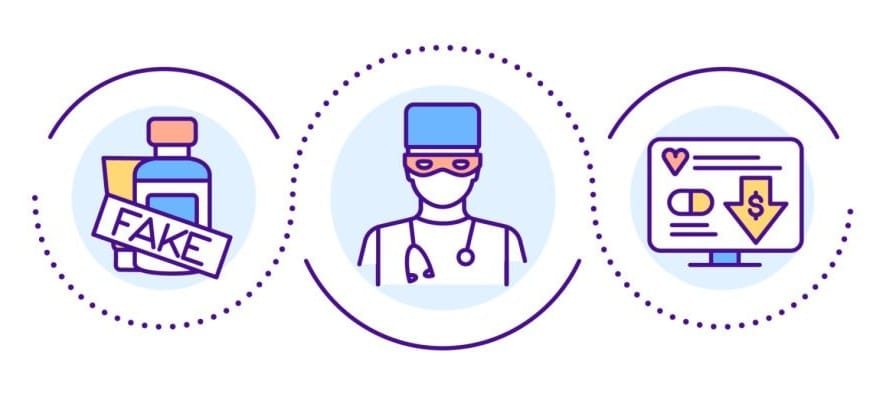
Don't be fooled by miracle cures, rapid weight-loss promises, or cheap online pharmacies. Protect your health and wallet; check before you buy.
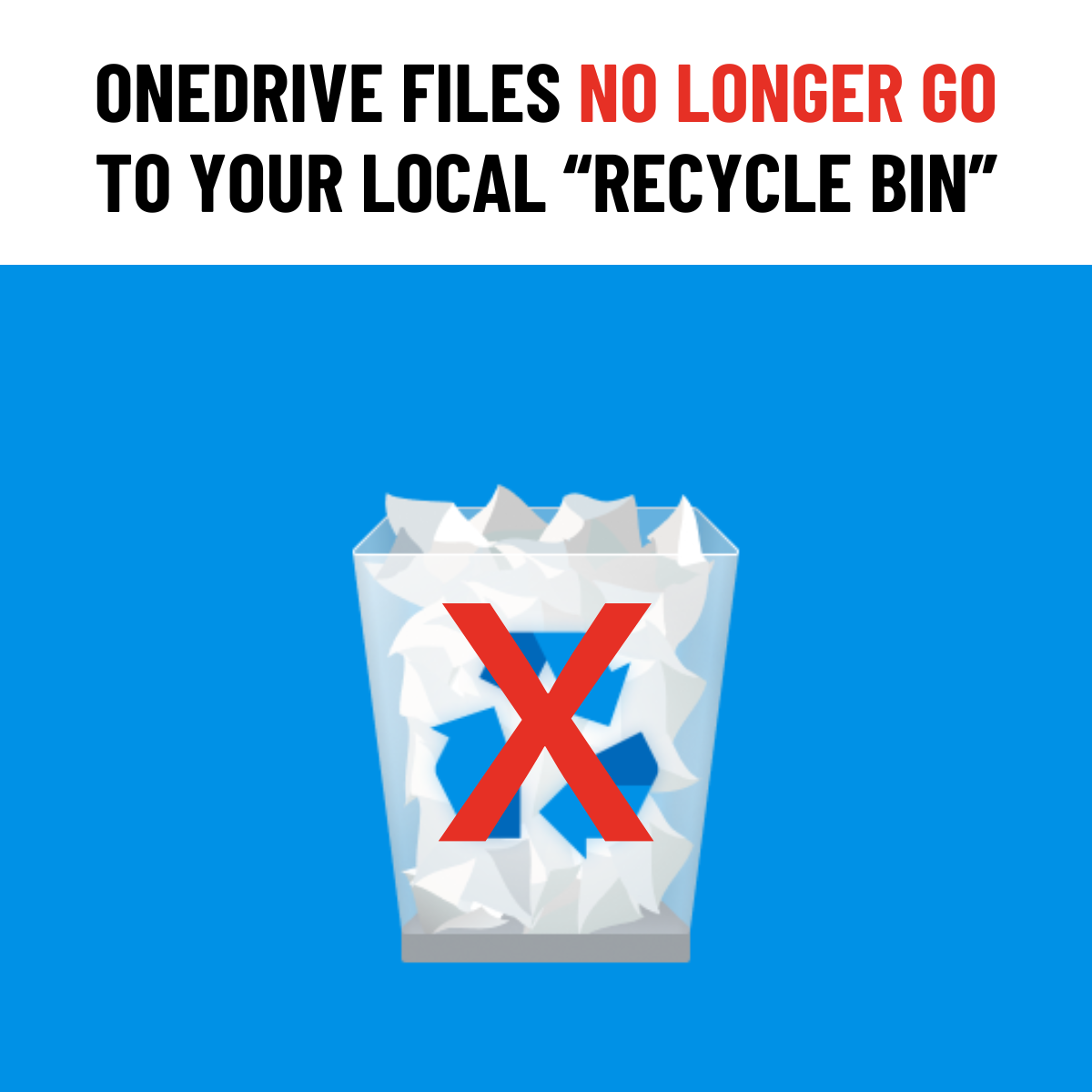
Deleted from OneDrive or SharePoint? Recovery now happens online, not from your local Recycle Bin.
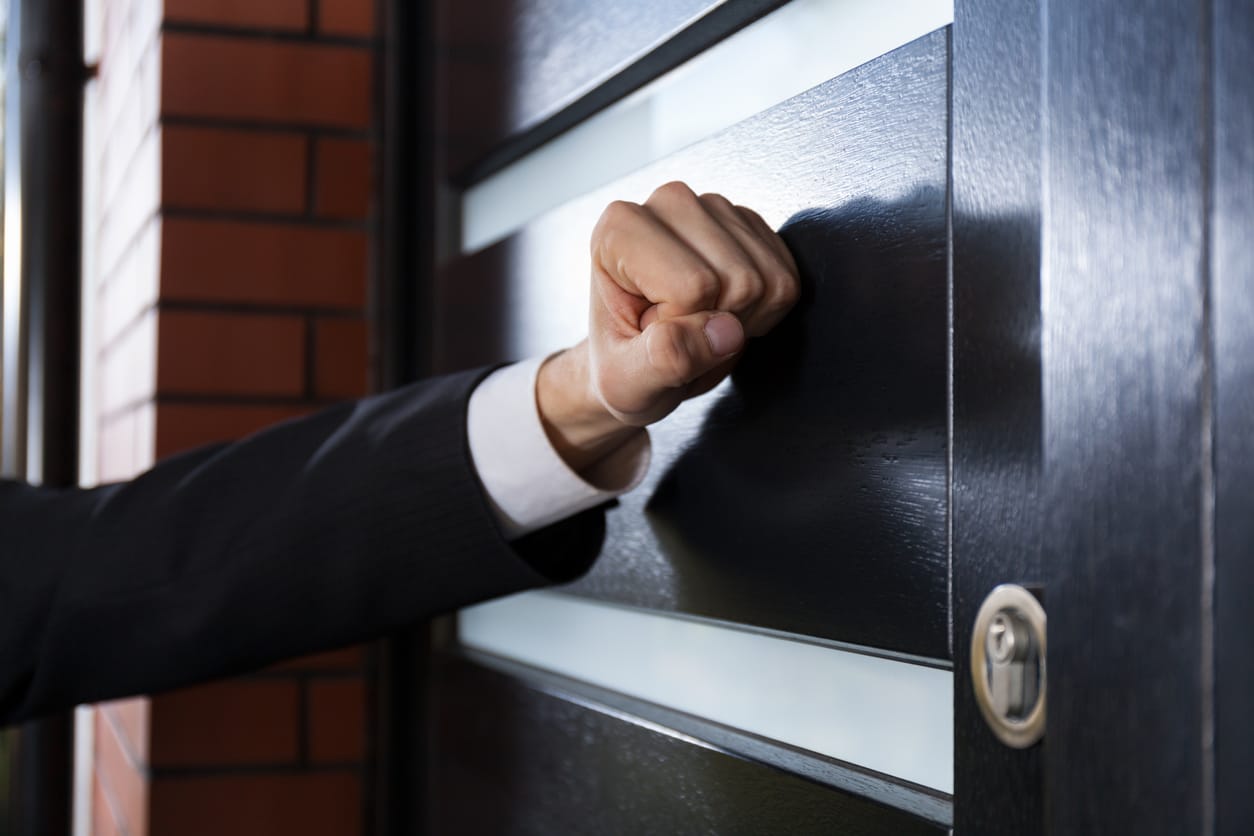
Don't let a knock at the door cost you money. Learn how to spot door to door scams and protect yourself, your family, and your business.
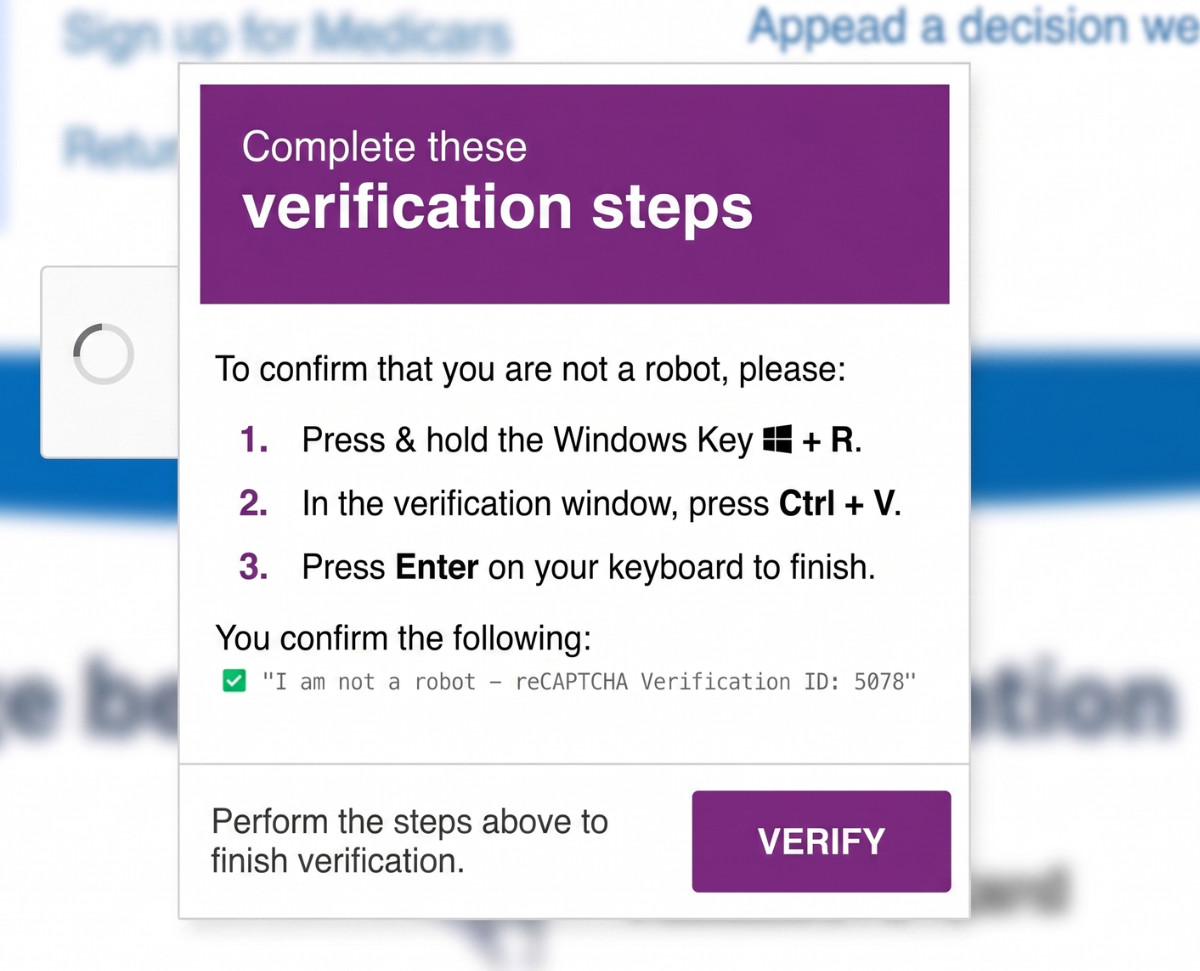
ClickFix scams mimic CAPTCHAs to trick you into running malicious commands to install malware. Stay safe by never pasting unknown code.
Outlook's Delay Delivery holds emails in your Outbox before sending to give you time to catch mistakes or stop something you'll regret sending.
Fake recruiters and fraudulent job postings are increasingly common. Stay informed and cautious to weed out real opportunities from fake ones.